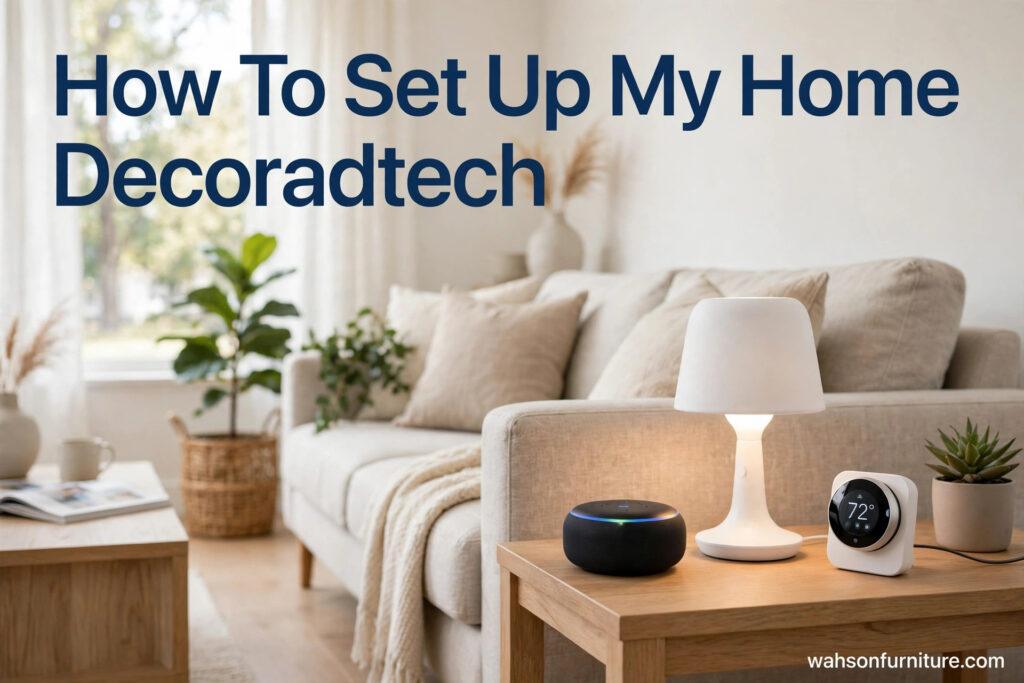
A home that looks good and works well is no longer about furniture alone. Lights that dim themselves, a speaker that plays music in the kitchen, and a thermostat that learns your routine can all make daily life easier, provided they are set up with care. If you are wondering how to set up my home decoradtech in a way that feels simple rather than stressful, the answer is to start small, choose one room, and add pieces one at a time. This guide explains the planning, the basic equipment, and the steps that turn a collection of gadgets into a home that genuinely helps you.
Plan One Room Before You Buy Anything
The most common mistake with smart home equipment is buying too much too soon. A drawer full of gadgets that do not work together helps nobody, so start by choosing one room and one job. Perhaps the living room needs better light in the evening, or the bedroom needs a gentler way to wake up. Write down the job, then look for the simplest device that does it well. Check that the device works with the phone or speaker you already own, because mixing systems that cannot talk to each other is the fastest way to frustration. Think about the people who will use the room as well: a system that only one person understands will be switched off within a week. For ideas on balancing the room around the new devices, see our interior decoration tips.
The Basic Equipment You Need
Most smart homes are built from a few simple parts. A reliable home network comes first, because every device depends on it, and a weak signal in a far bedroom will make even the best equipment feel unreliable. Next comes a central control, which may be a phone app, a small speaker, or a dedicated hub, depending on the system you choose. After that, add devices one room at a time: a smart bulb or two, a plug that can switch a lamp on and off, and a sensor that notices when a room is empty. Good light matters more than clever features, and our decorative lamp shades guide shows how a simple shade can warm the light in a room. When you are ready to add a second room, the same steps apply again, and the home grows steadily instead of all at once. The first time you work out how to set up my home decoradtech for a new room, write down what worked, so the next room takes half the time.
Connect Devices Step By Step
Setting up a device is usually a short process, but it goes more smoothly when you take it slowly. Plug the device in where it will live, not beside the router, and give it a few minutes to start. Open the app, follow the setup steps in order, and give the device a clear name, such as living room lamp, so you can find it later. Test the device from the app before you add it to any routine or voice command, and test it again from the other side of the room. If a device will not connect, move it closer to the router for setup, then move it back once it is working. Learning how to set up my home decoradtech in this patient way also helps you spot problems early: a device that drops off the network in the first week is a device to return, not a device to live with.
Build Simple Routines That Help Daily Life
Once the devices are connected, the real benefit comes from routines: small sets of actions that happen together at the right time. A morning routine might turn on the kitchen light, start the radio, and set the heating to a comfortable temperature. An evening routine might dim the lights, lock the doors, and switch off the plugs you no longer need. Start with one routine that solves a real daily annoyance, and test it for a week before adding another. Keep routines simple, with only two or three actions each, because a routine with ten steps will fail the first time one device is slow to respond. For fresh ideas for the room around the devices, see our home decor ideas. A routine that works quietly in the background is worth more than a room full of gadgets.
Safety, Privacy, And Keeping Things Working
A connected home needs a little care to stay safe and reliable. Use a strong password for your home network and a different password for each device app, and turn on updates so devices receive fixes when they are released. Think about privacy too: a camera or a voice assistant belongs in shared rooms, not in bedrooms or bathrooms, and everyone in the home should know what is listening and what is recorded. Keep the software on your phone up to date, because the apps that control your home depend on it. If a device stops working, restart it and the router before you assume it is broken, and check the app for an update. A home office or a desk that uses smart equipment also benefits from a clear layout, and our guide to office furniture trends shows how work spaces are changing. When you want to extend the system to another room, the same patient steps apply, and our diy home automation guide covers simple projects you can build yourself.
Conclusion
A smart home does not need to be complicated, expensive, or full of gadgets to feel like a real improvement. Choose one room, plan one job, buy the simplest device that does it well, and test it before you add the next piece. Once you know how to set up my home decoradtech in this steady way, the home grows with you, one useful routine at a time, and the technology stays in the background where it belongs: quietly making everyday life a little easier.